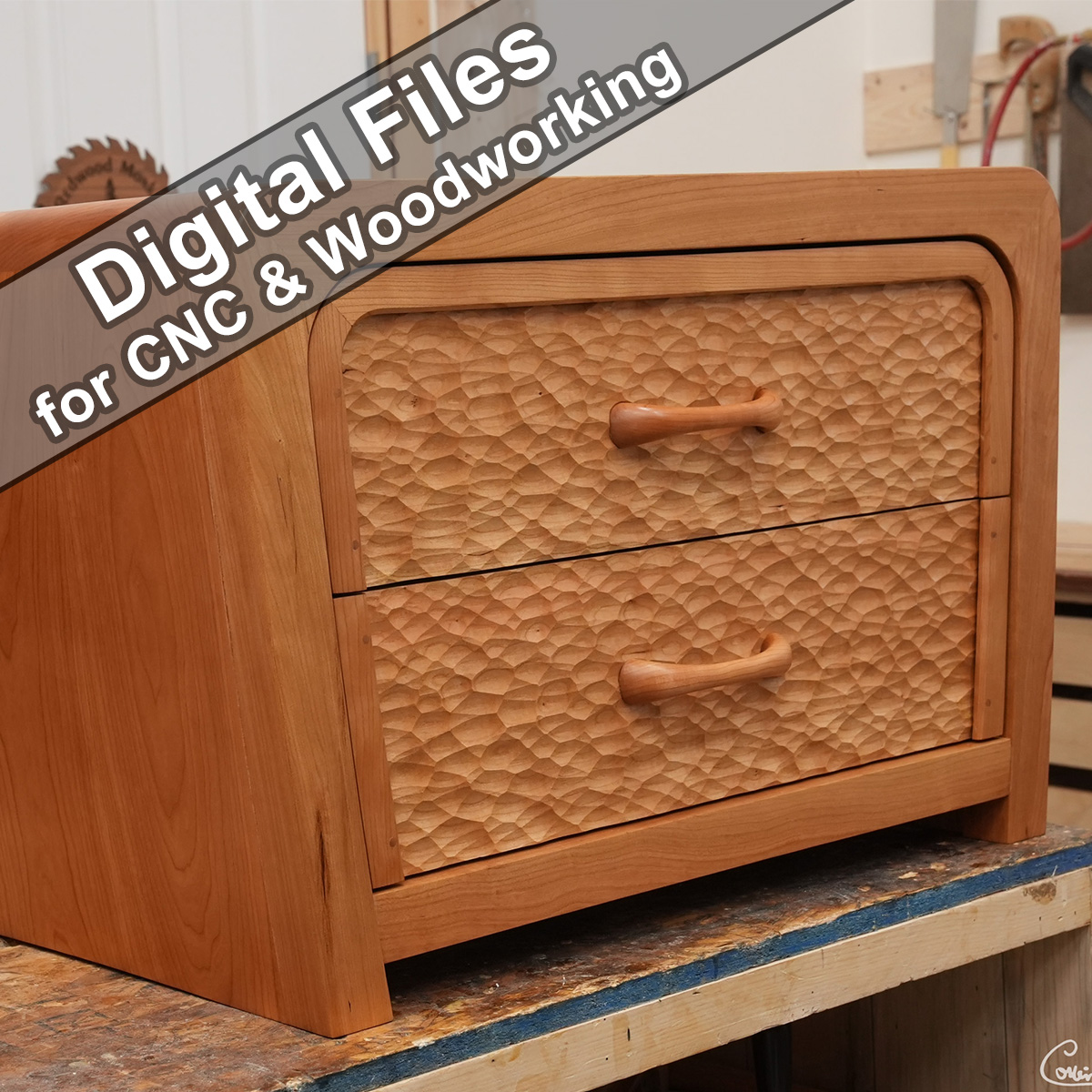
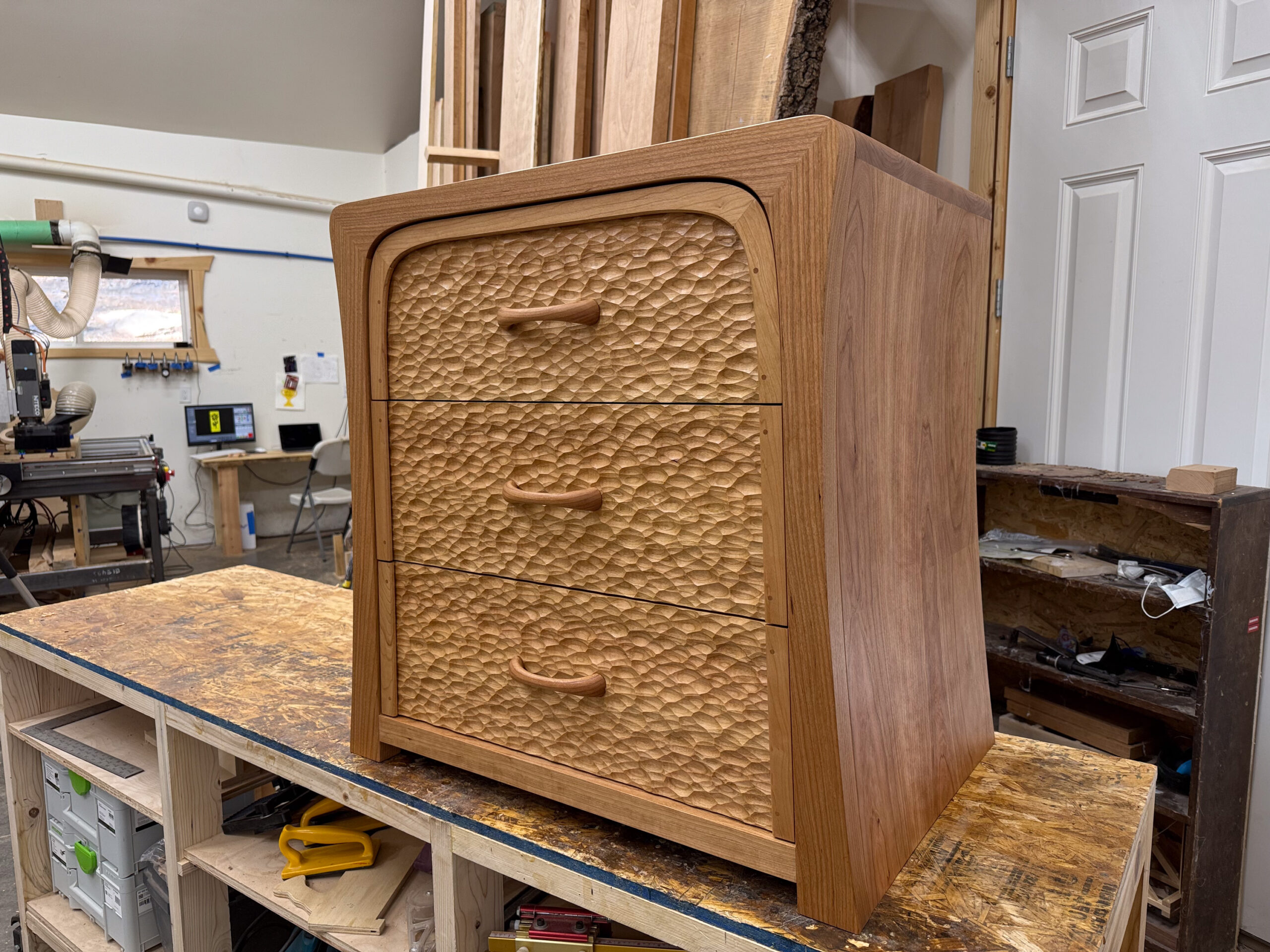
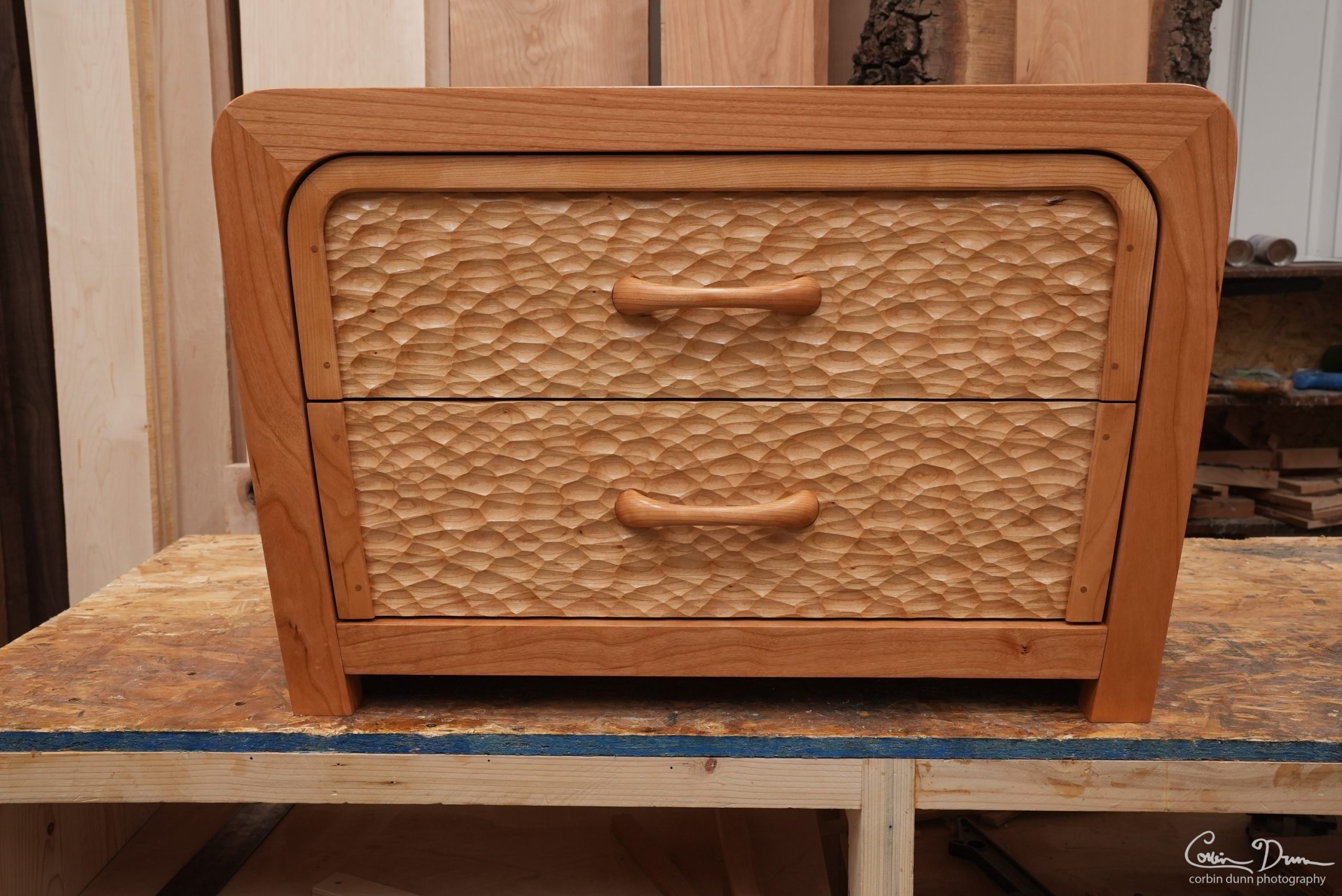
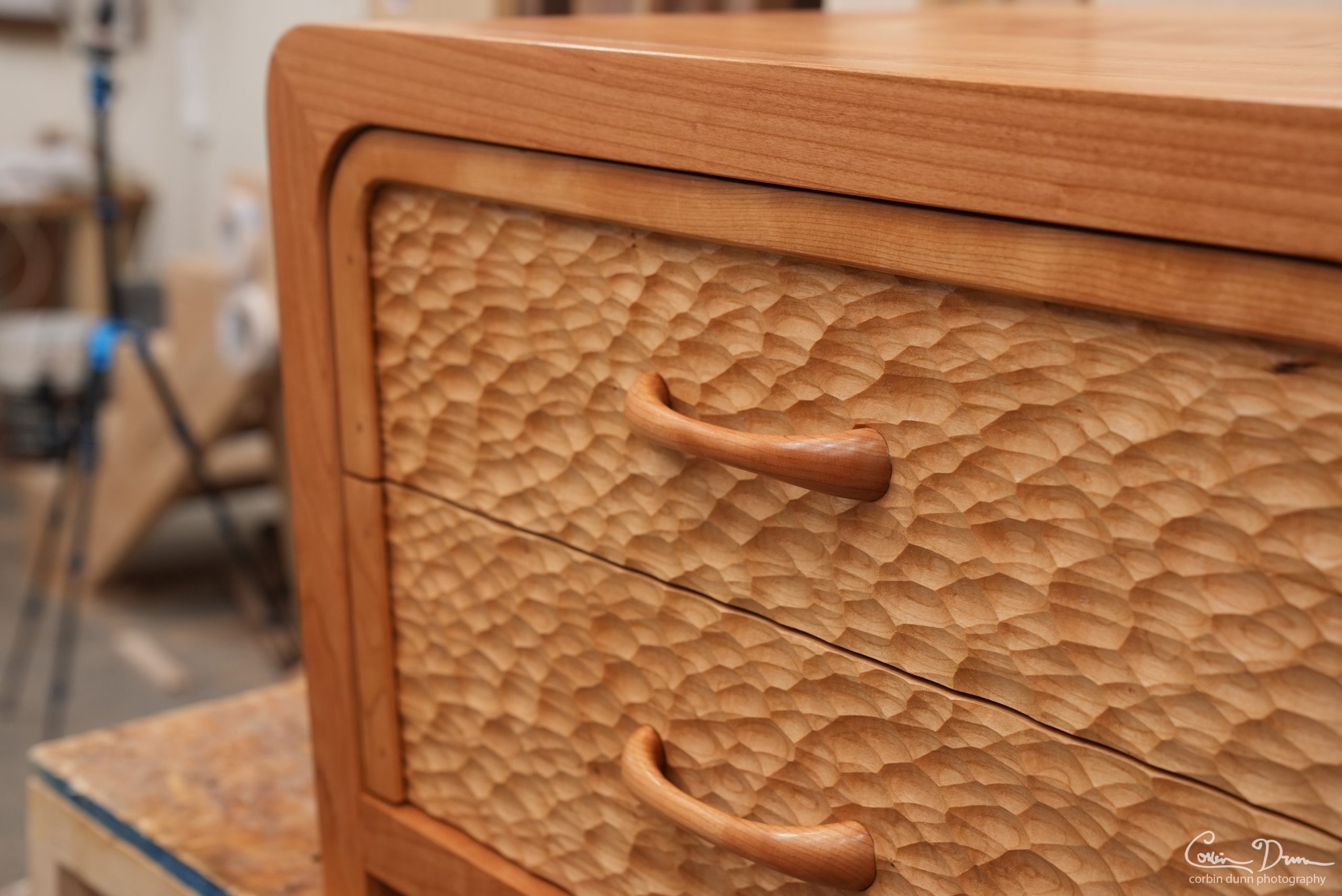
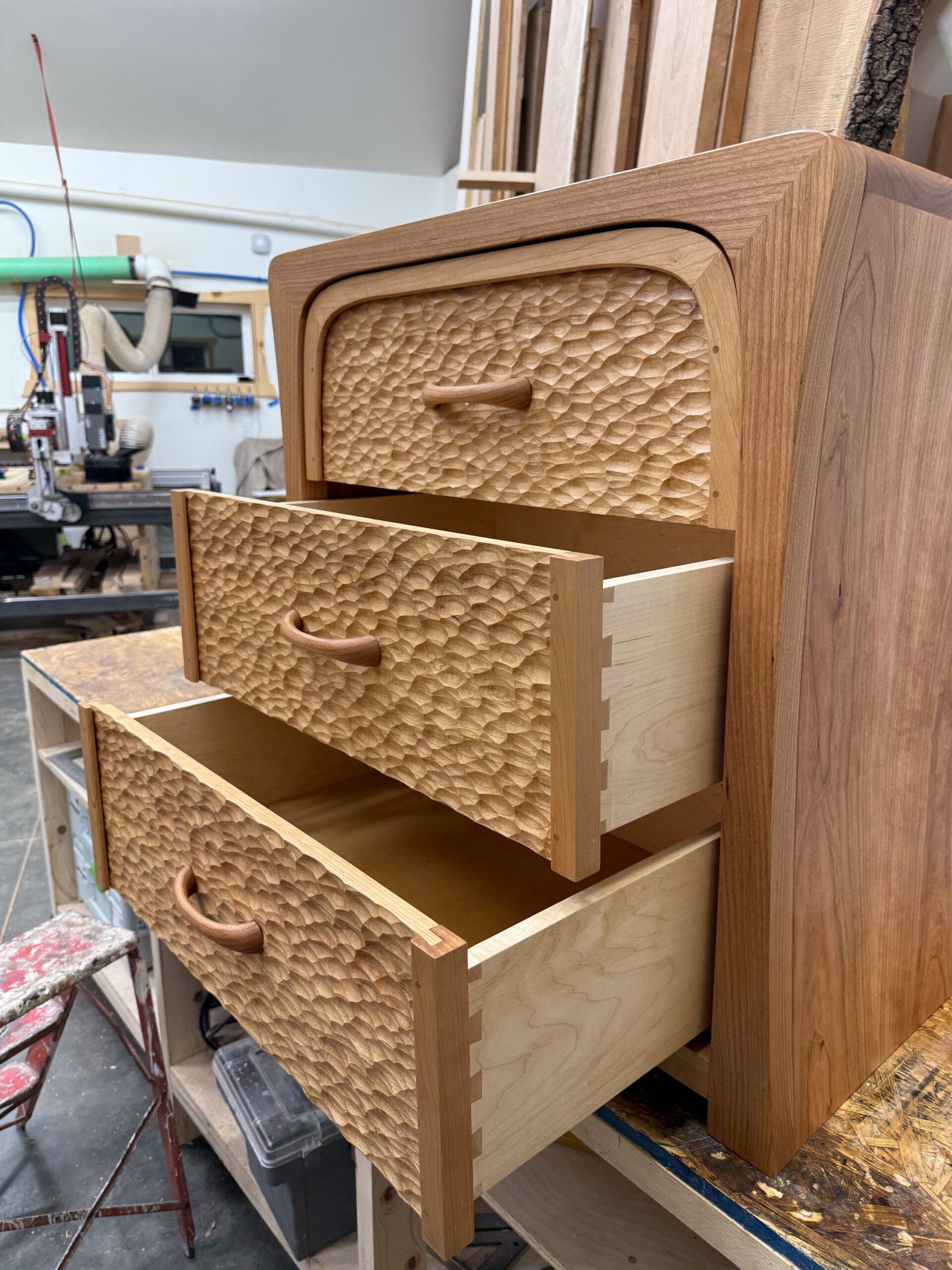
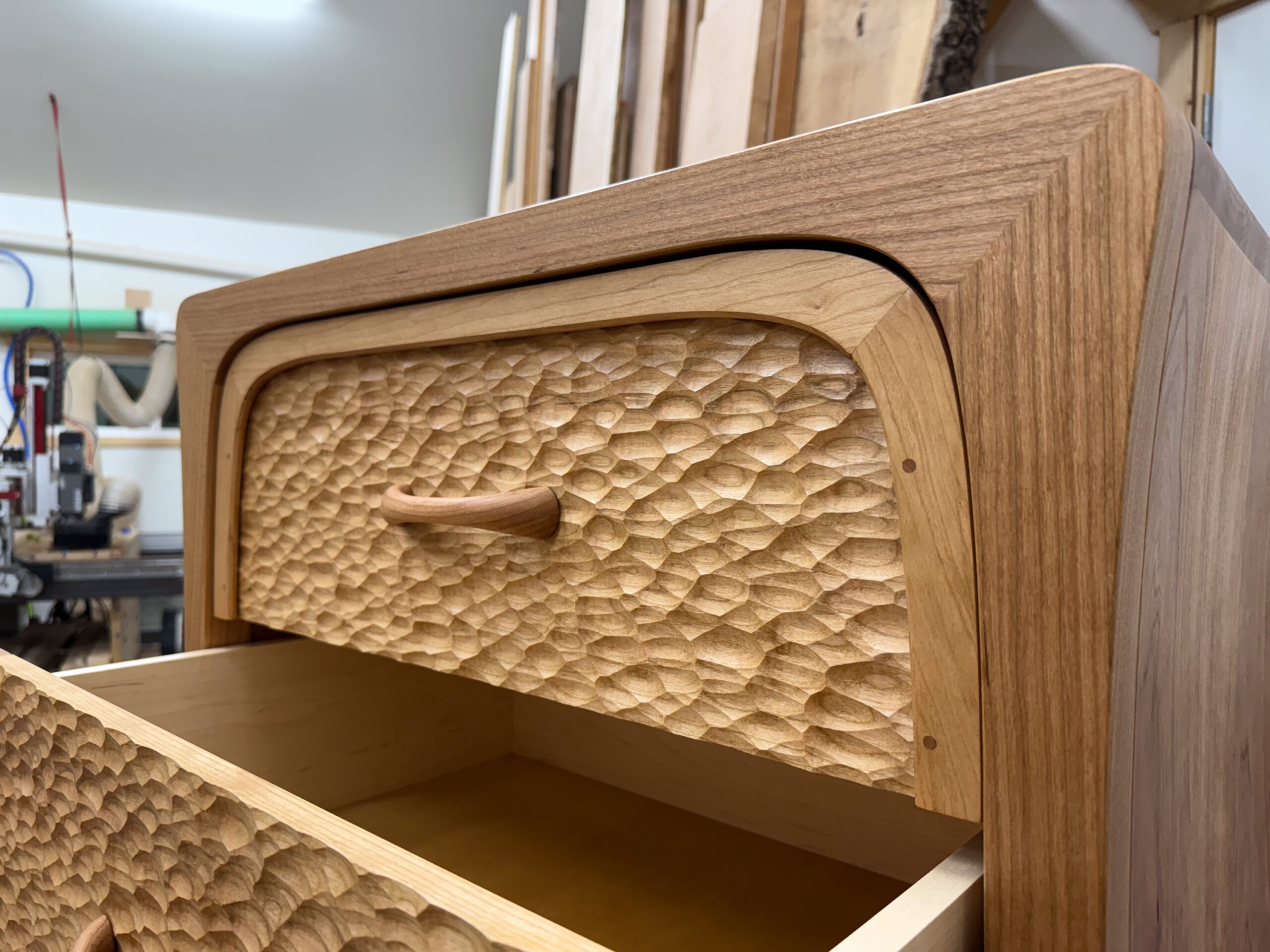
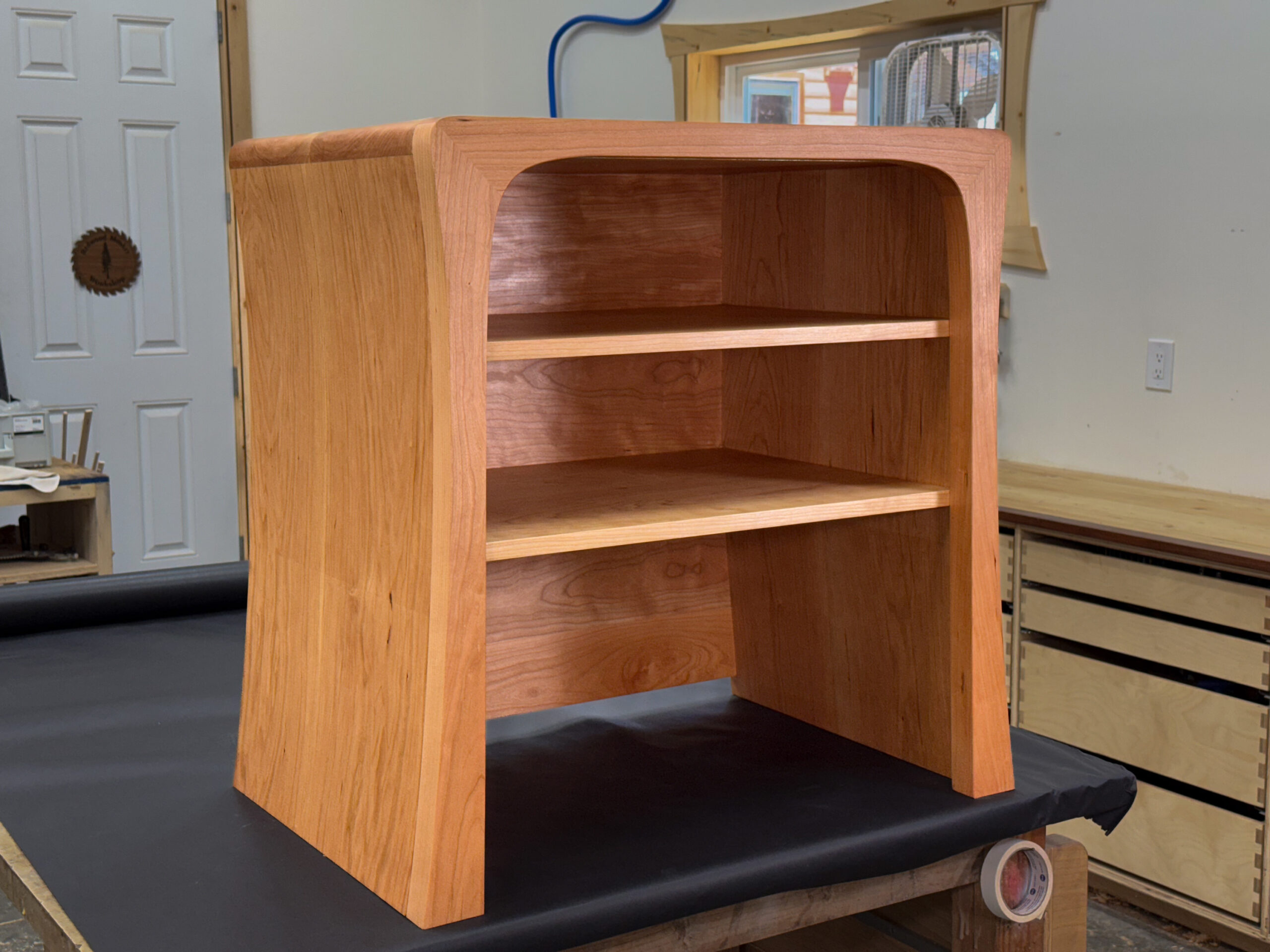
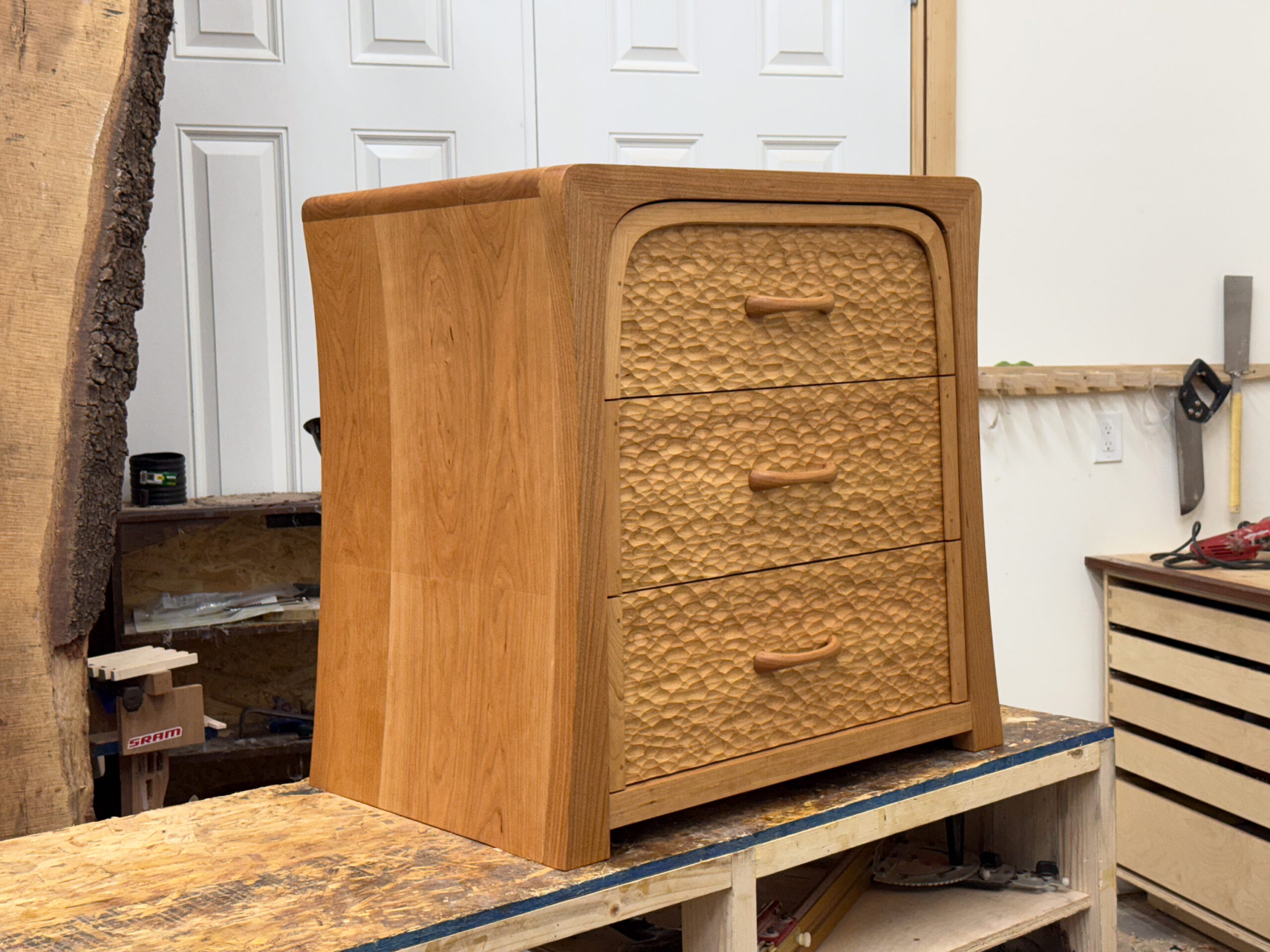
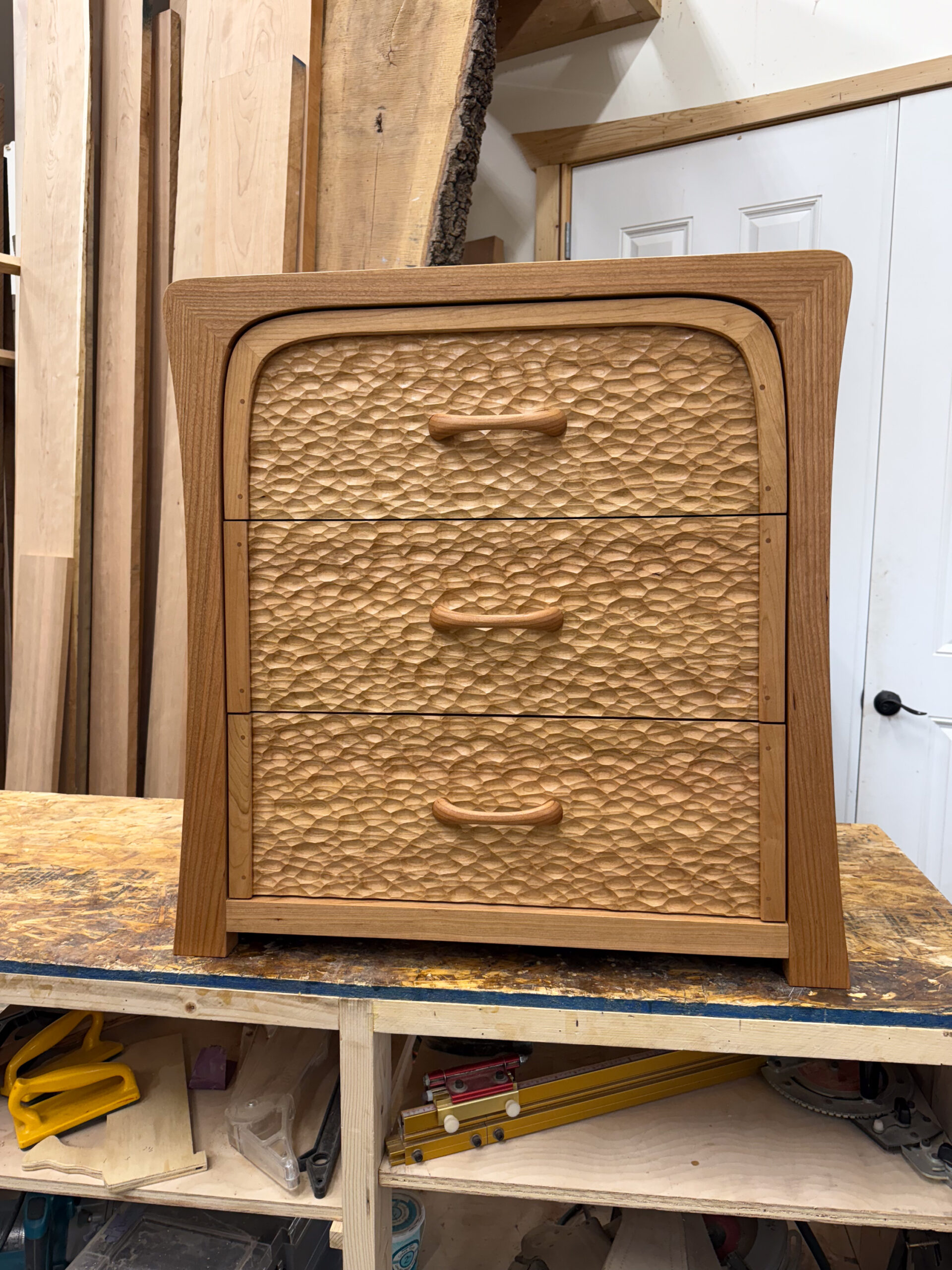
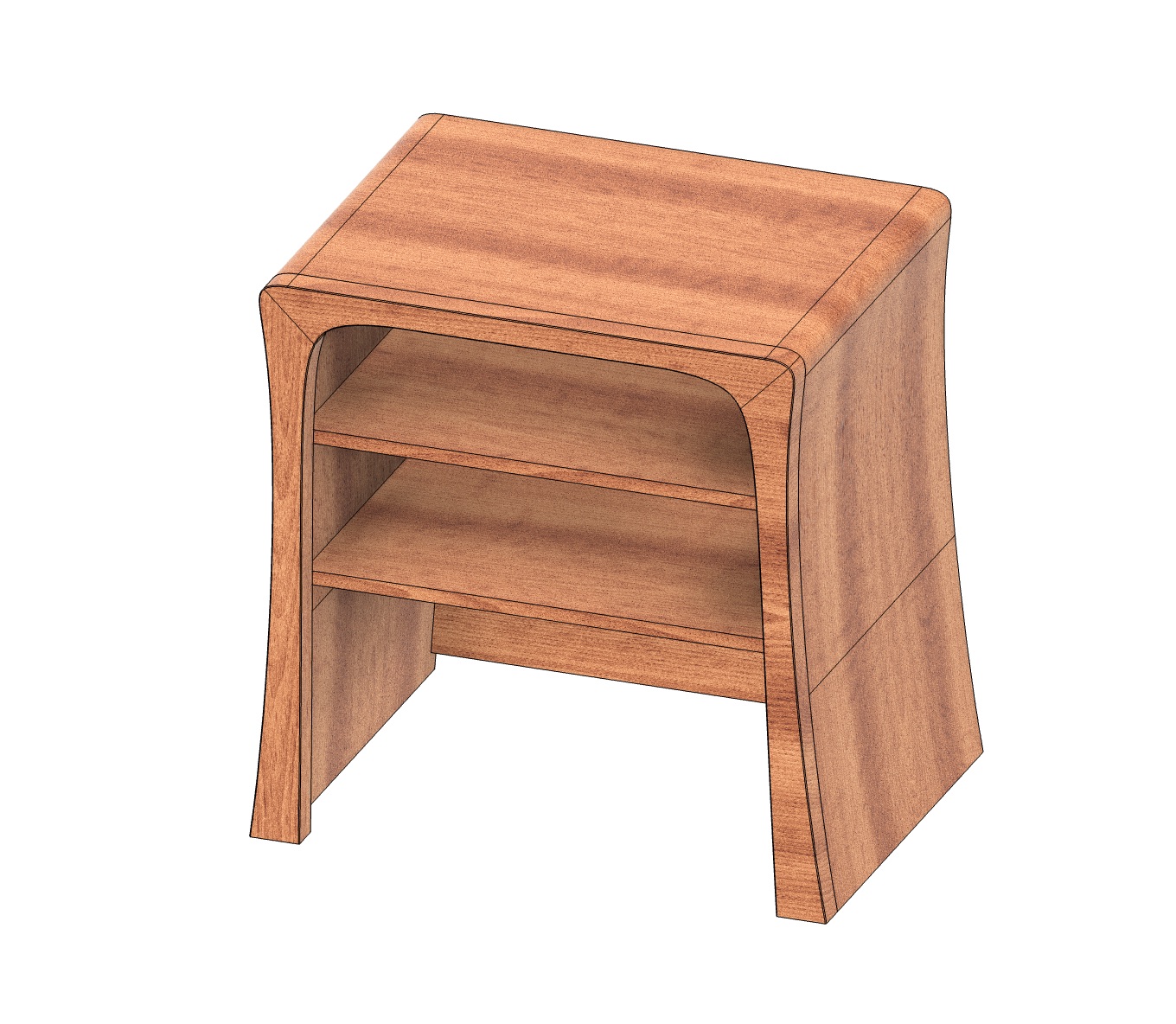
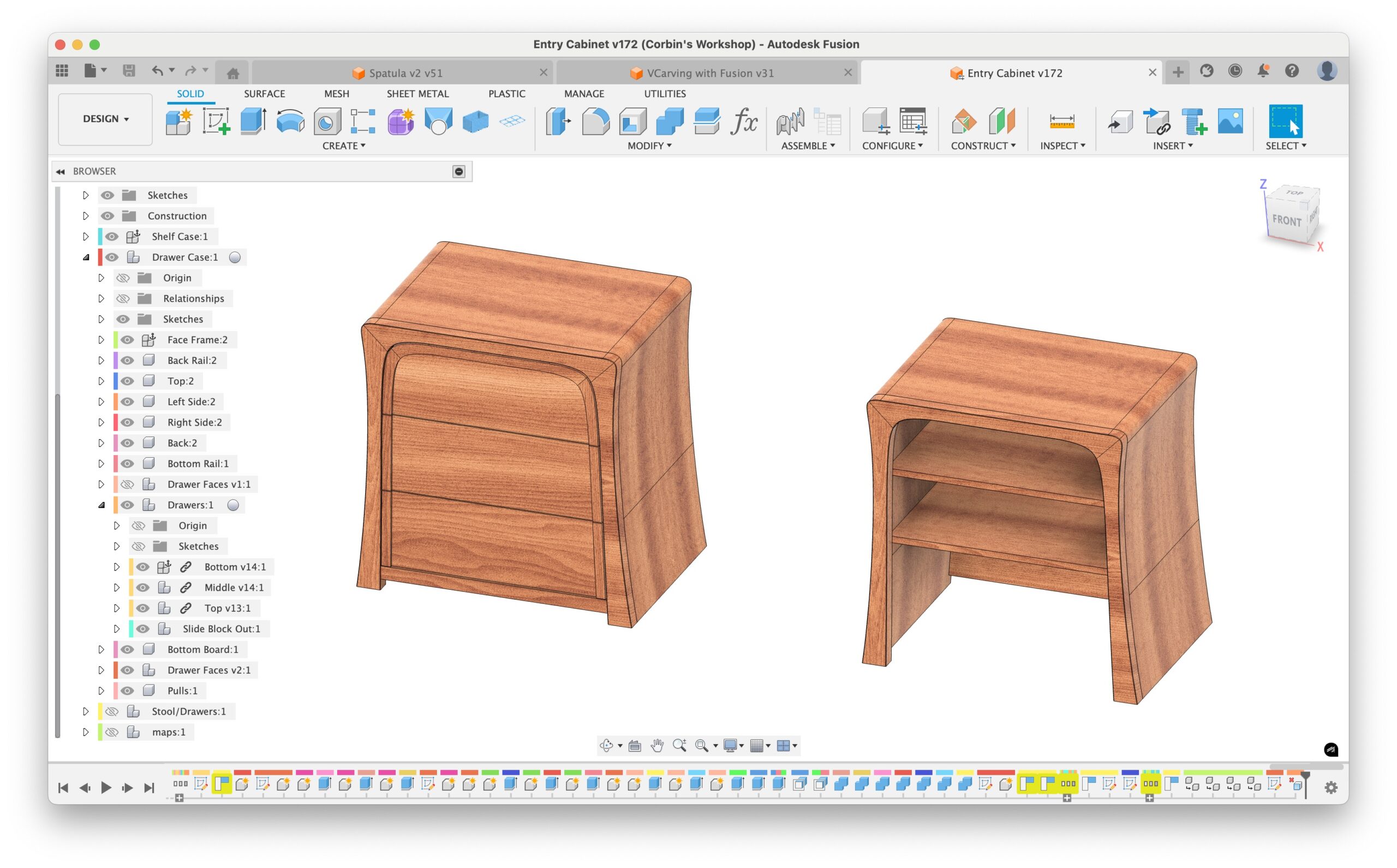
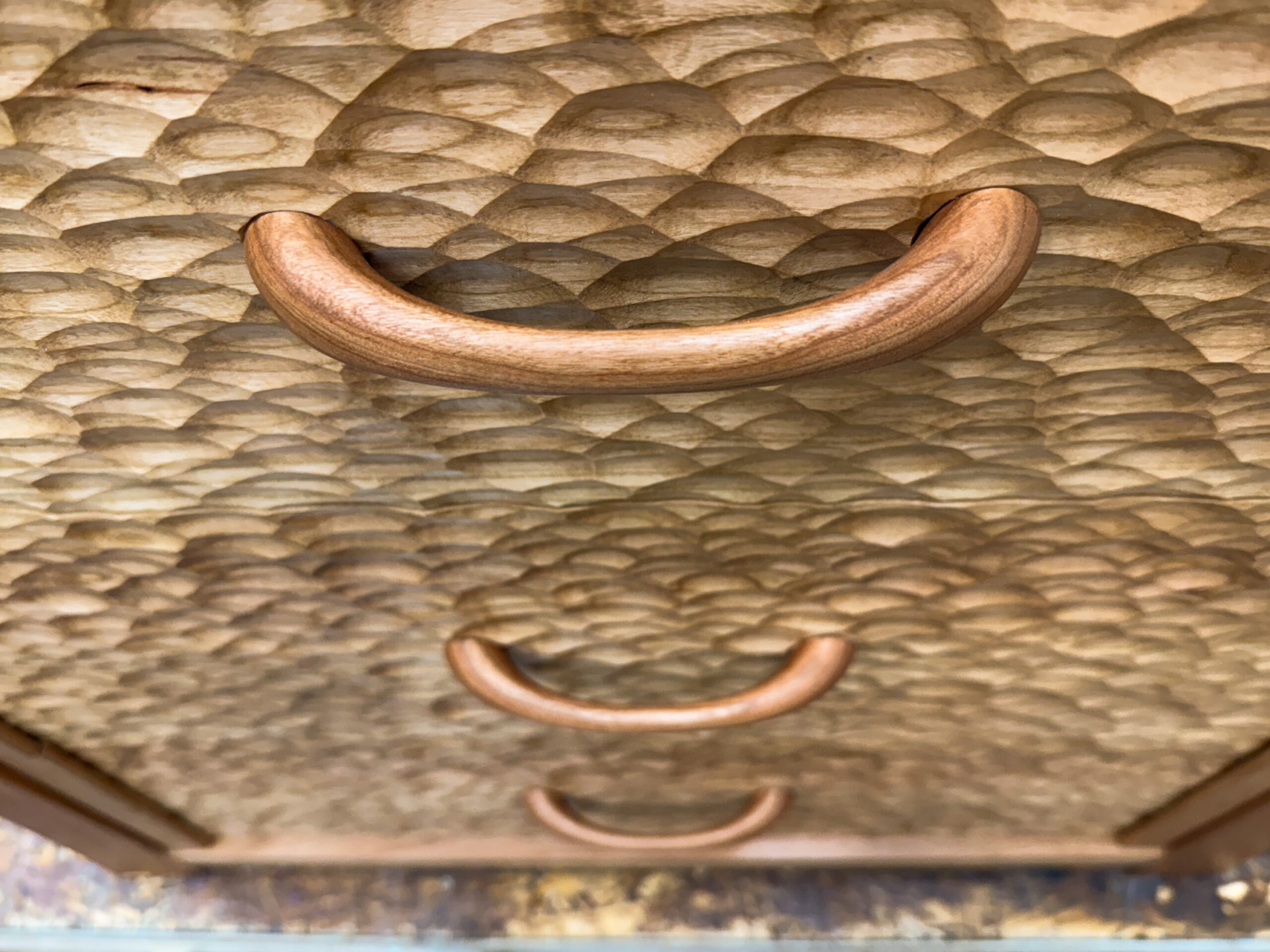
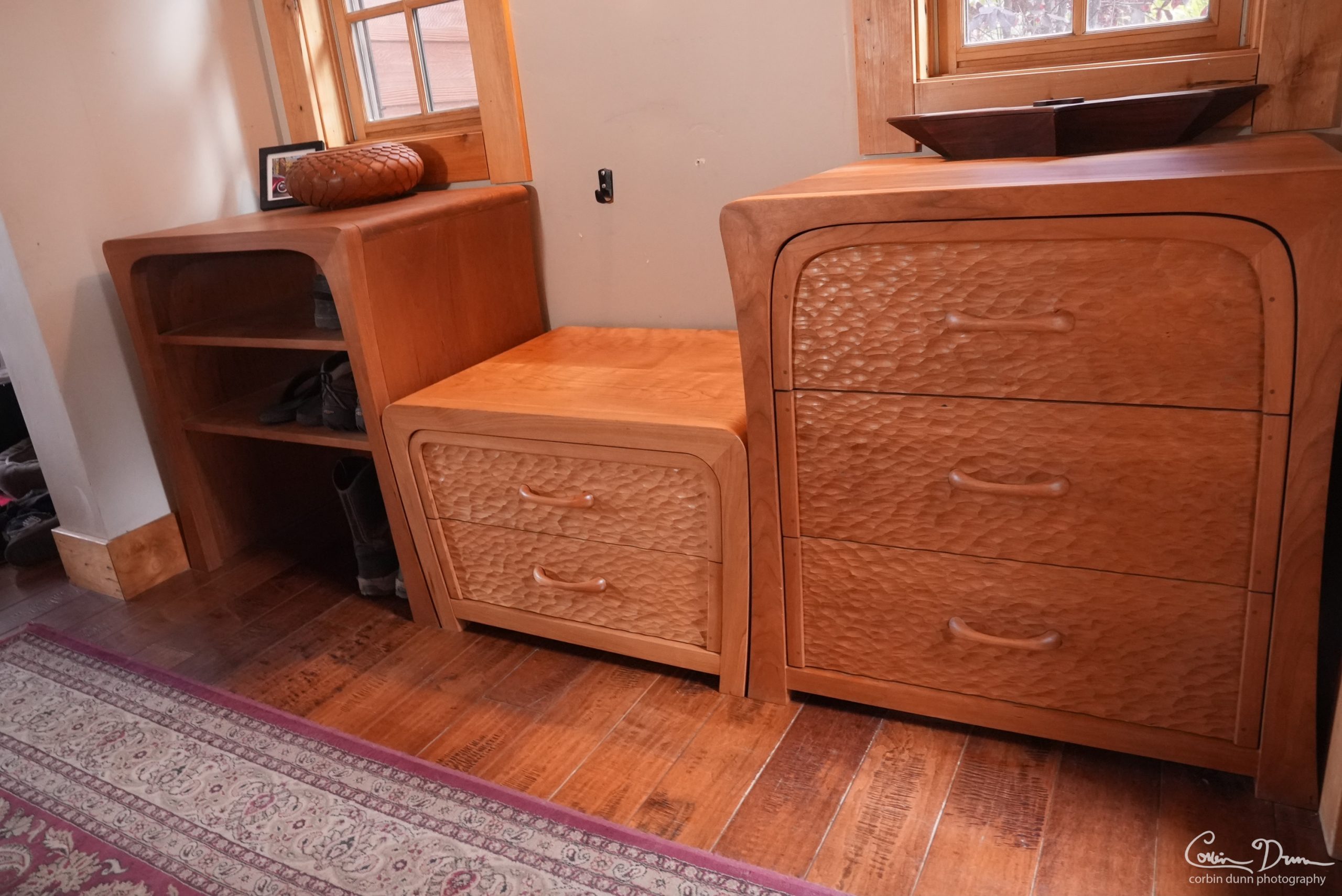
These are the digital files I created to build my Curvy Cabinet Bookcase, Curvy Cabinet with Textured Drawers, and Cabinet Stool. The photos are from the cabinets I made out of cherry wood.
Check out the build video for more details:
- Newest Video: Curvy Stool Cabinet
- Second Video: Curvy Cabinet with Textured Drawers
- Original Video: Curvy Cabinet Bookcase
Updated October 18, 2026 to include the CAM for the stool.
The main download file:
- Entry-Cabinet-v2.zip – Several files zipped together: The Autodesk Fusion CAD file, the VCarve Texture files, and a readme PDF.
Older Optional download files:
- Vcarve texture in middle area.crv – The VCarve 12.0 file I created for doing the texture on the drawer fronts. You must have version 12.0 or higher to open the file, and note that the actual bit I used was different than what was listed.
- Main Carcass Drawing v19.pdf.zip – This is a PDF of the ‘plans’ I printed for myself to use as a reference. They are pretty light, and I would take measurements directly from the CAD model and/or rely on the CNC to cut things.
- Drawer v31.f3z – The dovetailed drawer design, which has a configuration for each specific drawer size (each one is different). This is optional.
- Curvy Cabinet Bookcase.step – The bookcase exported as a STEP model, for those of you who refuse to use Fusion or you still like running some flavor of Linux.
- Curvy Cabinet with Textured Drawers.step – The drawers cabinet as a STEP model.
Each file is individually “zipped” for compression and ease of downloading. Autodesk Fusion has a free personal license for Windows and macOS.
Autodesk Fusion Configurations (Documentation Link)
I created three configurations that allowed me to switch between slight variations. This was to have a better design for machining and getting estimates for the amount of wood I would need for the project. Creating a “Manufacturing Model” might have been a better way of doing this for some things…but I am not sure I really like doing that yet (due to performance when switching to CAM).
- BoardSplits: This configuration splits large pieces into smaller “board width” sized pieces that I can then run “MapBoards Pro” on to figure out a mapping/layout and estimate for how many boards I’ll need to glue up the pieces.
- NoSplits: This is the “main” configuration I use with everything looking good and normal and not having a lot of glue lines visible in the model.
- With Sweep and No Splits: I removed a few edge sweeps because they caused issues with some CAM toolpaths.
The “Drawer” CAD file also has configurations for each drawer size: Top, Middle, Bottom, and Stool, which should be obvious where each one goes. This is the same design as what I have released before.
License: Corbin Dunn grants you a non-commercial license to create your own version of these projects. Creating them for sale requires approval. Please do not post the digital files anywhere else on the internet!
The cabinet design is © Corbin Dunn 2025-2026
Bits/References
-
- 2” surfacing bit: https://amzn.to/4i9Jr1O
- Texture bit: 1-1/2” D x 7/8” H x 3/4” R x 1/2” Shank: https://www.rockler.com/core-box-router-bits-1-2-shank
- 1/4” spiral upcut bit: https://amzn.to/3UcWaFM
- 1/4” spiral upcut ballnose: https://amzn.to/3xQObWT (or a similar one from 2L)
- Clamps for 3D Printing: https://www.corbinsworkshop.com/shop/low-profile-cnc-toe-clamps-for-t-track-hold-downs-with-nut-tightener-handle-3d-printable-out-of-pla/
- Finish – Osmo Polyx Satin: https://amzn.to/3ZwwmHr
- White pads: https://amzn.to/49lmUcN
- 3/8” downcut bit: https://amzn.to/3HeohgK (Amana)
- 3/8” upcut bit: https://amzn.to/3M9Q2Ng (Amana)
- 1/4” downcut bit: https://amzn.to/3RQ1FIj – Whiteside
- 1/4” downcut bit: https://amzn.to/3BVZ0bH – Freud
- 1/4” compression bit: https://amzn.to/4qk0D72
- 1/4” flush trim bit / pattern bit: https://amzn.to/48bWTg5 – Whiteside
- Dovetail bit – 14 degree 1/2” – https://amzn.to/4fy97Fh