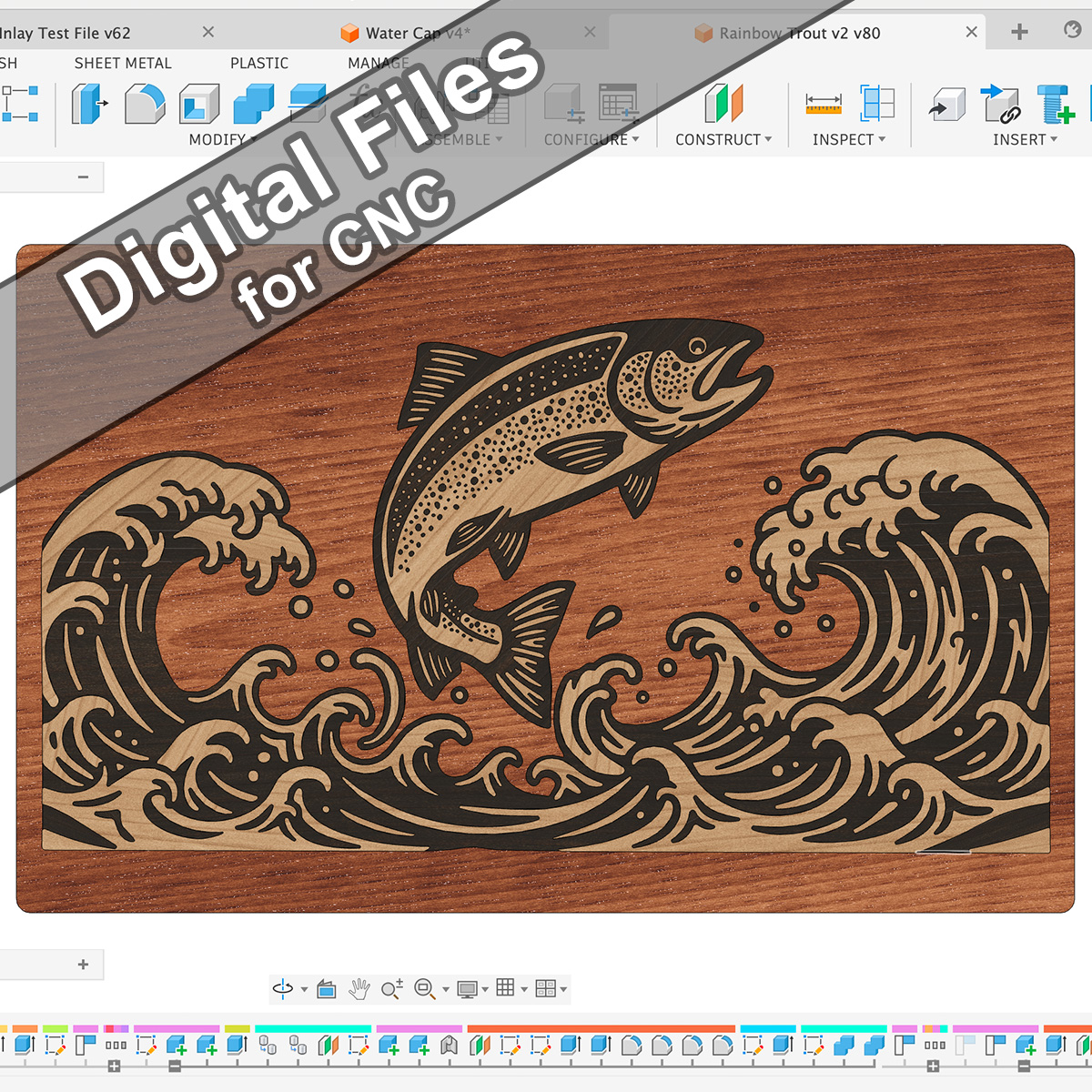
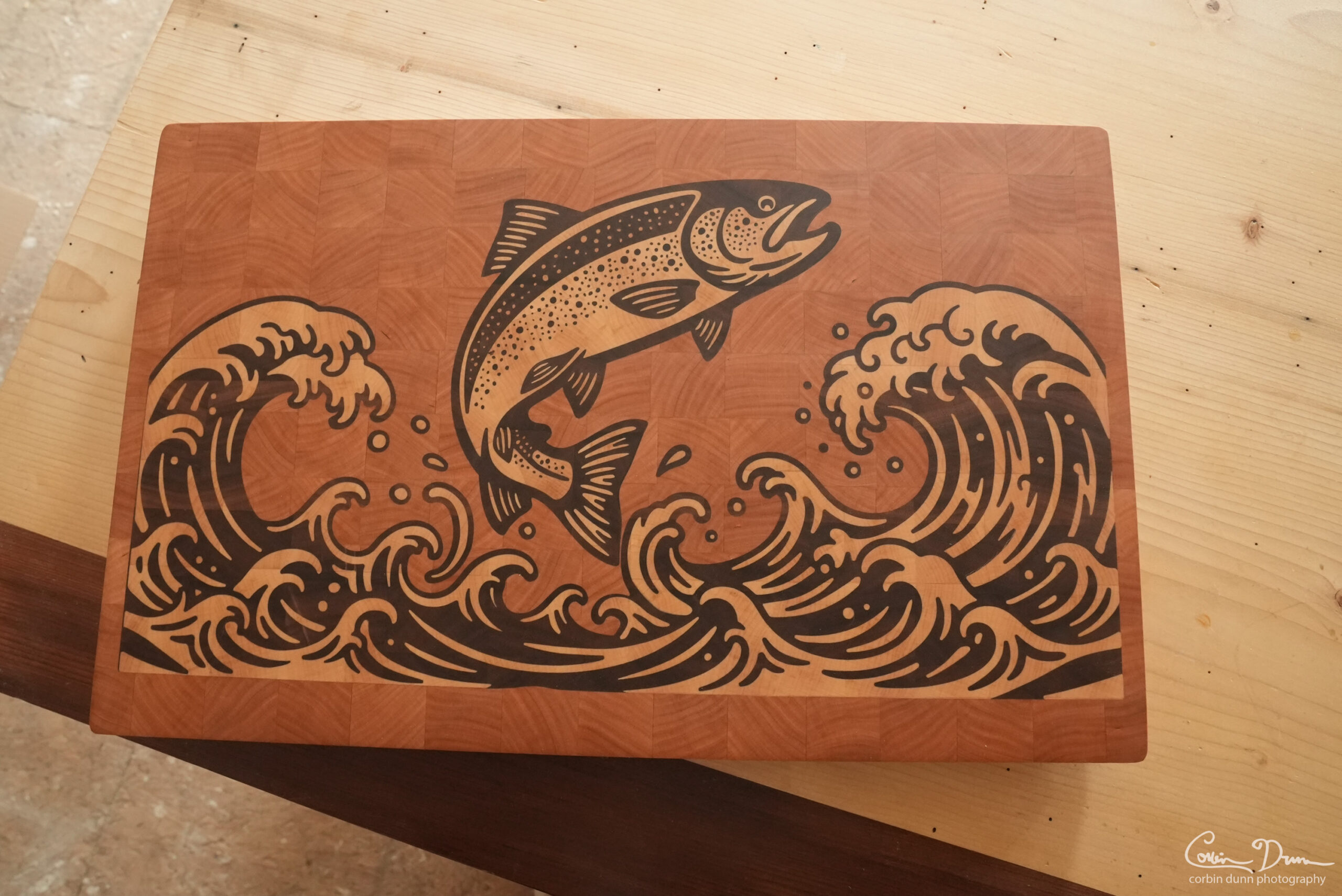
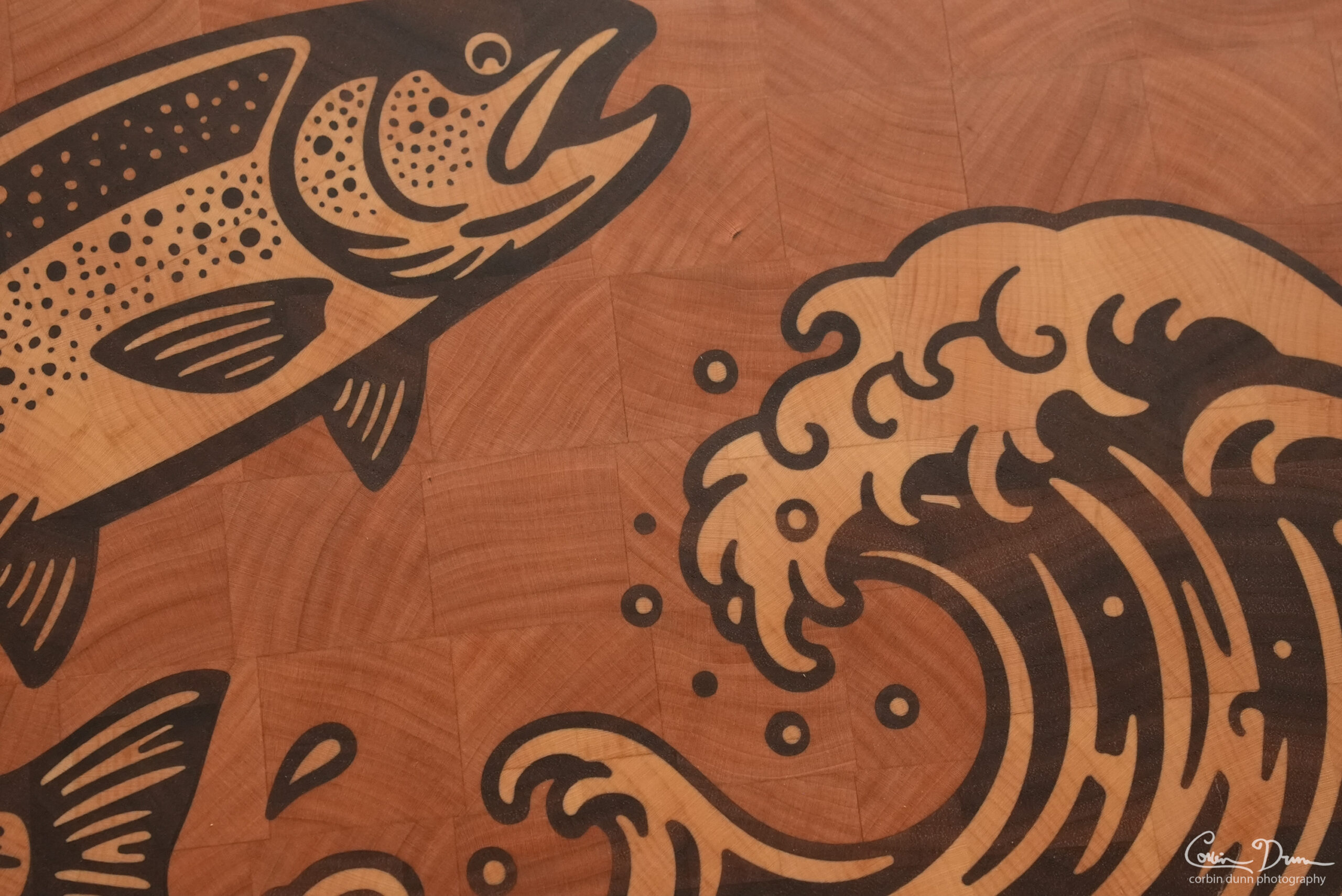
These are the digital files to create Corbin Dunn’s “Rainbow Trout Cutting Board”. The design was carefully created to work with a 5.26 degree tapered ball nose, with a 0.25mm radius tip. Be warned, this is a difficult project, and takes many steps to complete.
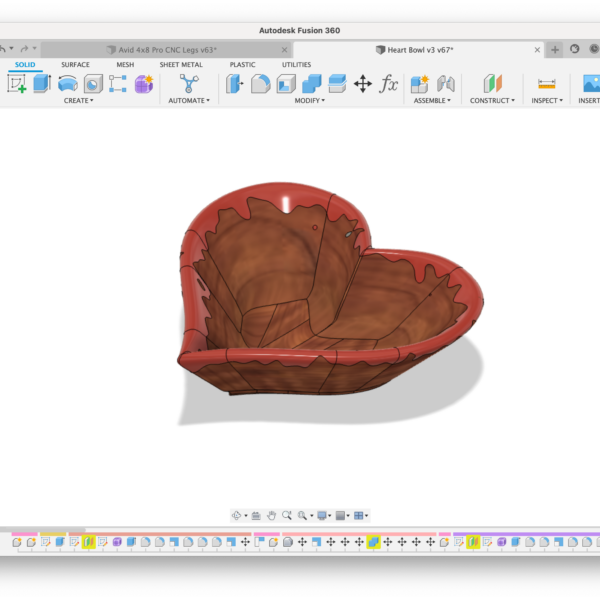
The project is completely setup in Autodesk Fusion with all my toolpaths that I used. You will need to setup your own speeds and feeds appropriate for your particular CNC machine, and make sure you have a good “inlay fit adjustment” parameter set. I highly recommend doing some tests with your bit to get a good fit; if your fit isn’t good, and you have too big a glue gap, the pieces will simply fall out in subsequent machining steps! You will also need to use a press to ensure you get a good squish of the plug; clamps alone may not work!
The original design file in Adobe Illustrator is included, along with a DXF vector file. Both these files have layers setup to allow multiple inlays. If you are importing the files into Vectric VCarve (or Aspire), import the DXF file to preserve the layers; importing the Adobe Illustrator (AI) file will not preserve layers. I will also include a bare import of the design file into Vectric VCarve 12 — but no toolpaths will be setup in the VCarve file!
Also included are some of my notes and a rough set of directions, but this is in no way a complete set of steps on how to create an inlay cutting board. You should have some experience with inlays before attempting a project like this.
The Fusion file was created using the VBit Inlay plugin.
Files included (most are zipped):
* Rainbow Trout v2.f3d – The Autodesk Fusion 360 file
* Trout Fish rounded v14.ai – The Adobe Illustrator file
* Trout Fish rounded v14.dxf – the DXF vector file, with layers
* Trout Cutting Board Directions.pdf – the rough directions and notes
* Trout Fish VCarve.crv – The Vectric VCarve file (v12 or higher) – NO TOOLPATHS
Bits used:
Primary v-bit:
• 5.26 Degree Tapered Ball Nose: https://amzn.to/4aNb1zP
Clearance bits:
• 1/4” spiral upcut bit: https://amzn.to/3UcWaFM
• 1/8” spiral upcut bit: https://amzn.to/4aGpo8o – I also use one from RIP Precision
Top Surfacing / edge profiling / finger holes:
• 3/8” Upcut bit: https://amzn.to/3M9Q2Ng
• 3/8” Downcut bit: https://amzn.to/3HeohgK – (Optional – gives clean profiles)
• 1/4” spiral upcut ballnose: https://amzn.to/3xQObWT (or a similar one from 2L)
Related Video Links:
• Build video: https://youtu.be/Fy3MR5Daki0
• Finding fit parameters in Fusion: https://youtu.be/Wb93CZbNeWs
• Fusion Tutorial on Inlay Cutting Board: https://youtu.be/lqNALle
• Hibiscus Inlay Cutting Board: https://youtu.be/IvrXHz2xDUo
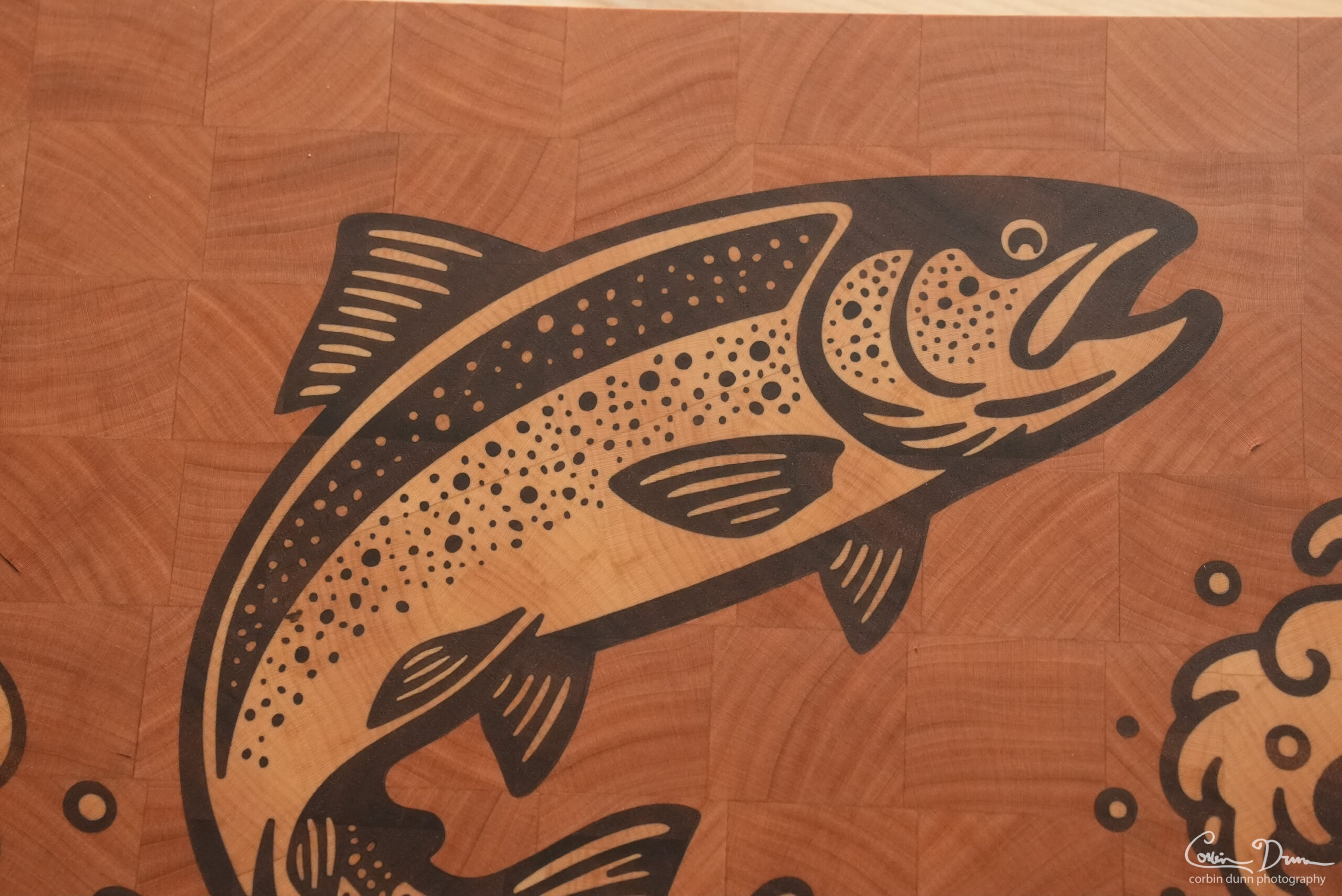
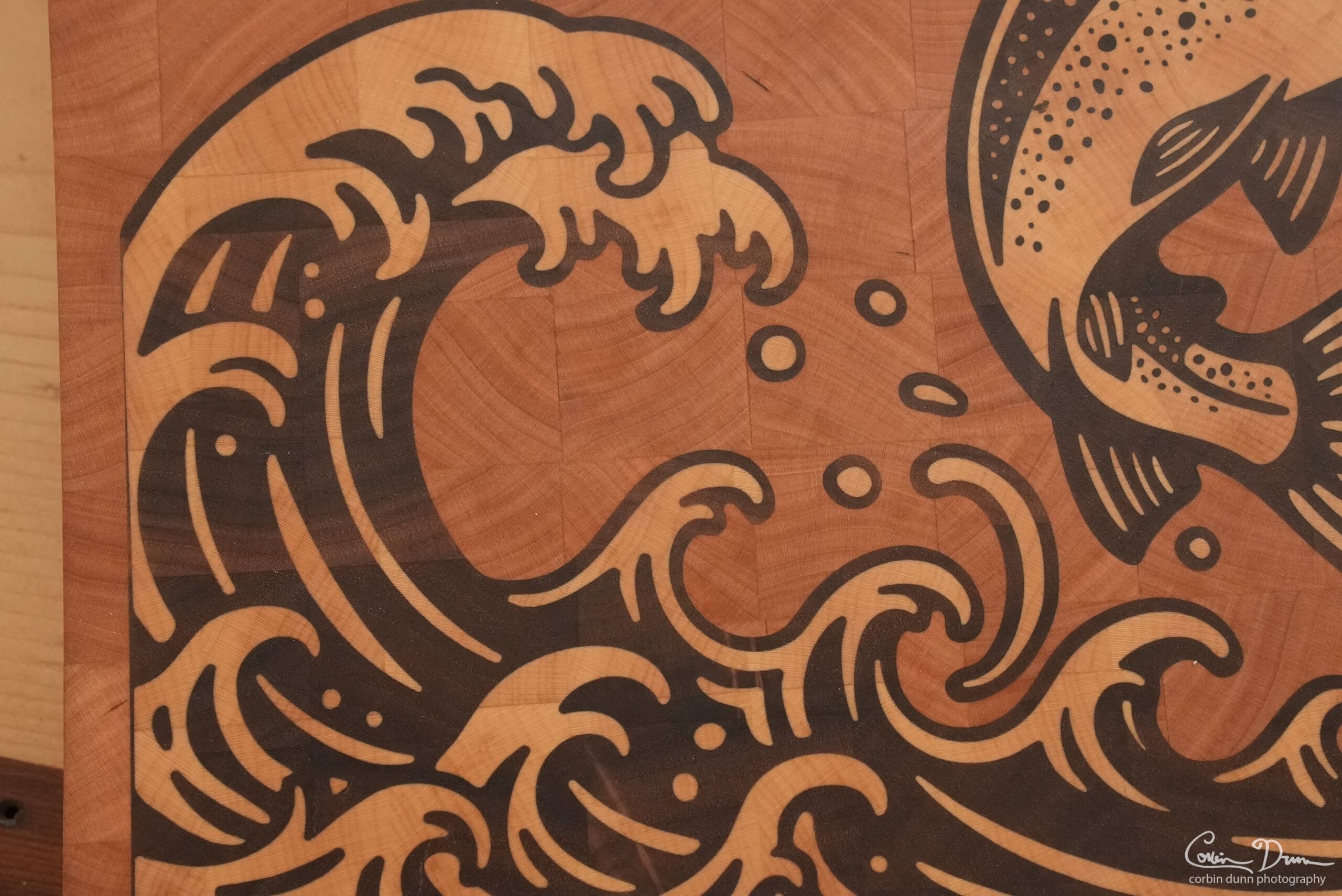
Actual cutting board shots are from the one I made: cherry, walnut and maple woods.