
This is the shareware plugin “VBit Inlay Plugin” by Corbin Dunn for Autodesk Fusion. Click the “Add to Cart” button above, complete the checkout, and you will be able to download the file. Current version: 1.14 (versions 1.6 and higher will auto-update).
Installation Instructions & Documentation
VBit Inlay Parameter List – Known “proven cut” values used by people.
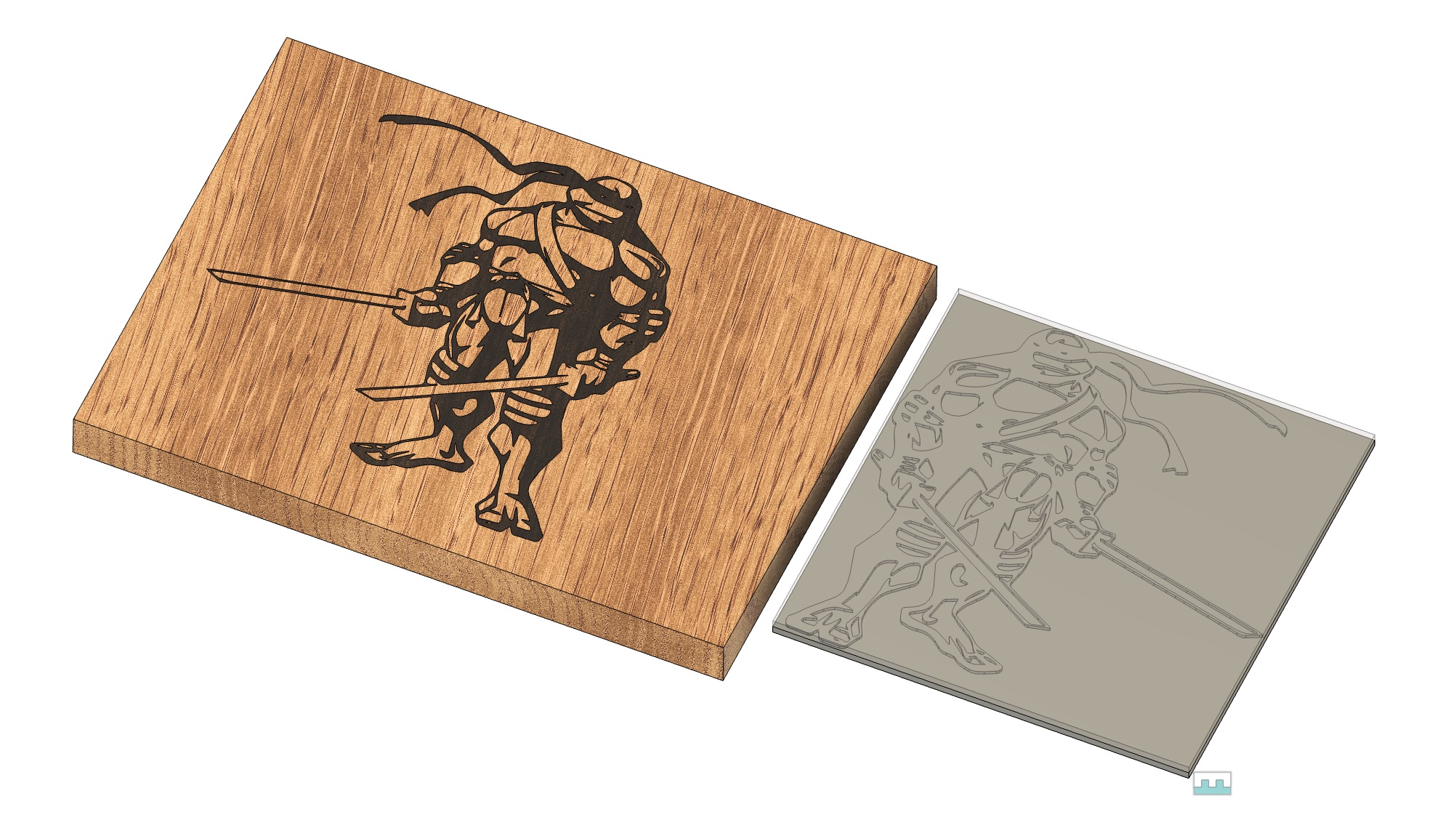
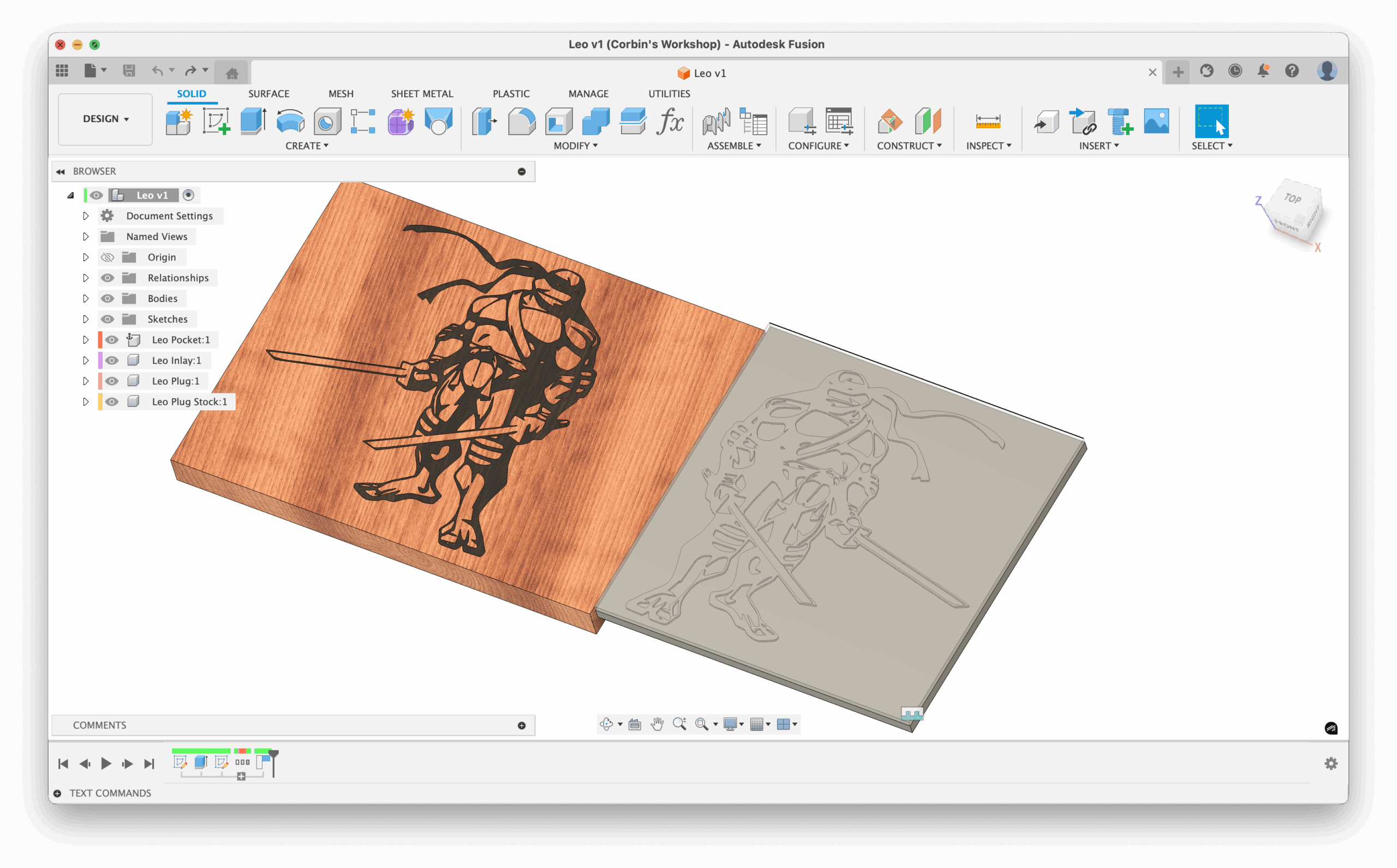
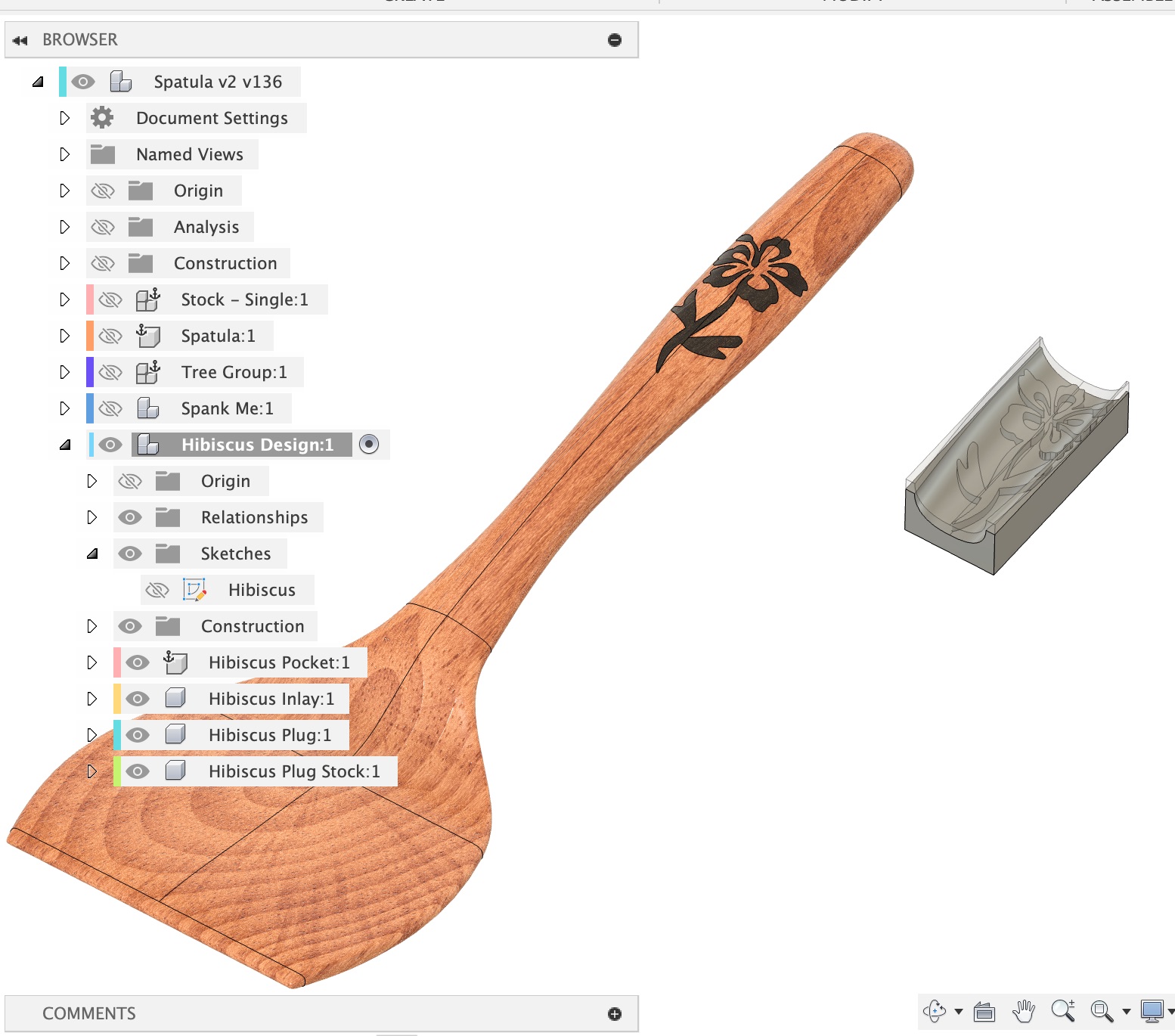
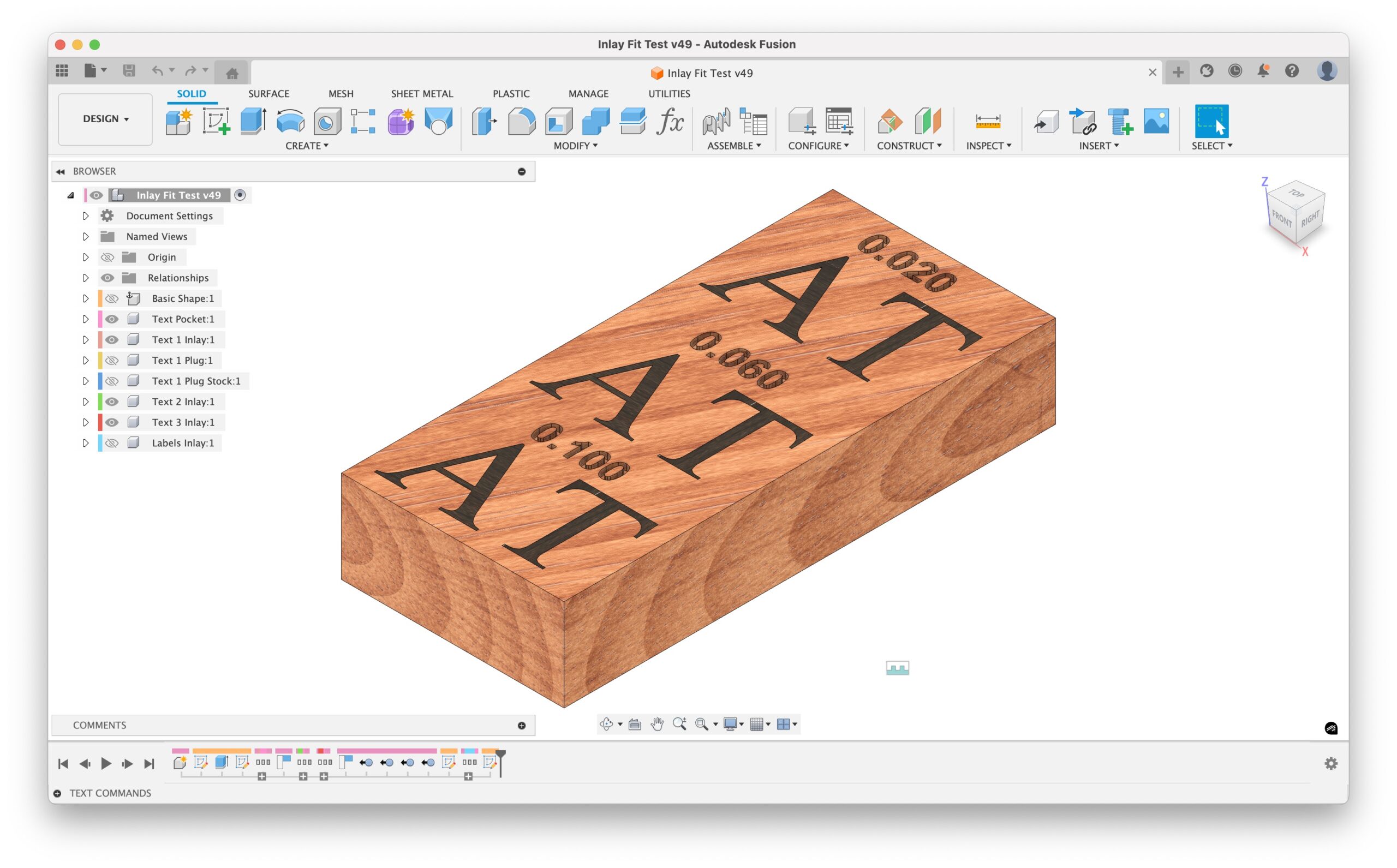
This plugin entirely automates the process of creating a vcarve inlay using a v-bit. It works for traditional v-bit and v-carved wood inlays, epoxy fill inlays, and basic engravings where you do no fill at all. The inlays will work on flat surfaces (2D) and curved surfaces (3D). Manufacturing / CAM toolpaths will automatically be created that are usable for machining the inlay female pocket, and the male plug.
This AddIn is shareware, free to download, use as long as you like, and has no limitations or restrictions of any kind. If you find it useful, buy a license for $5. If you don’t, no big deal!
Watch the following YouTube videos for how to use it:
For more information and help:
- Read the documentation: VBit Inlay Plugin Documentation
- Post on Corbin’s CNC Woodworking Facebook Group.
- See the VBit Inlay Parameter List
- or email: corbin@corbinsworkshop.com
I spent at least 200 hours on this software to save myself 15 minutes of time when I want to generate an curved inlay for CNC woodworking. I wanted to make sure I always do it right, and this plugin helps me do that. I also wanted to make it easy for other people to do it.
Buying a license encourages me to develop it more and make it better! I will also provide support for people who tell me they bought a license. Well, I’ll probably do that for anyone who asks a question about it, whether or not they bought it.
Feel free to email me feature requests!
Related files: