Video Link: https://www.youtube.com/corbindunn (Link TBD)
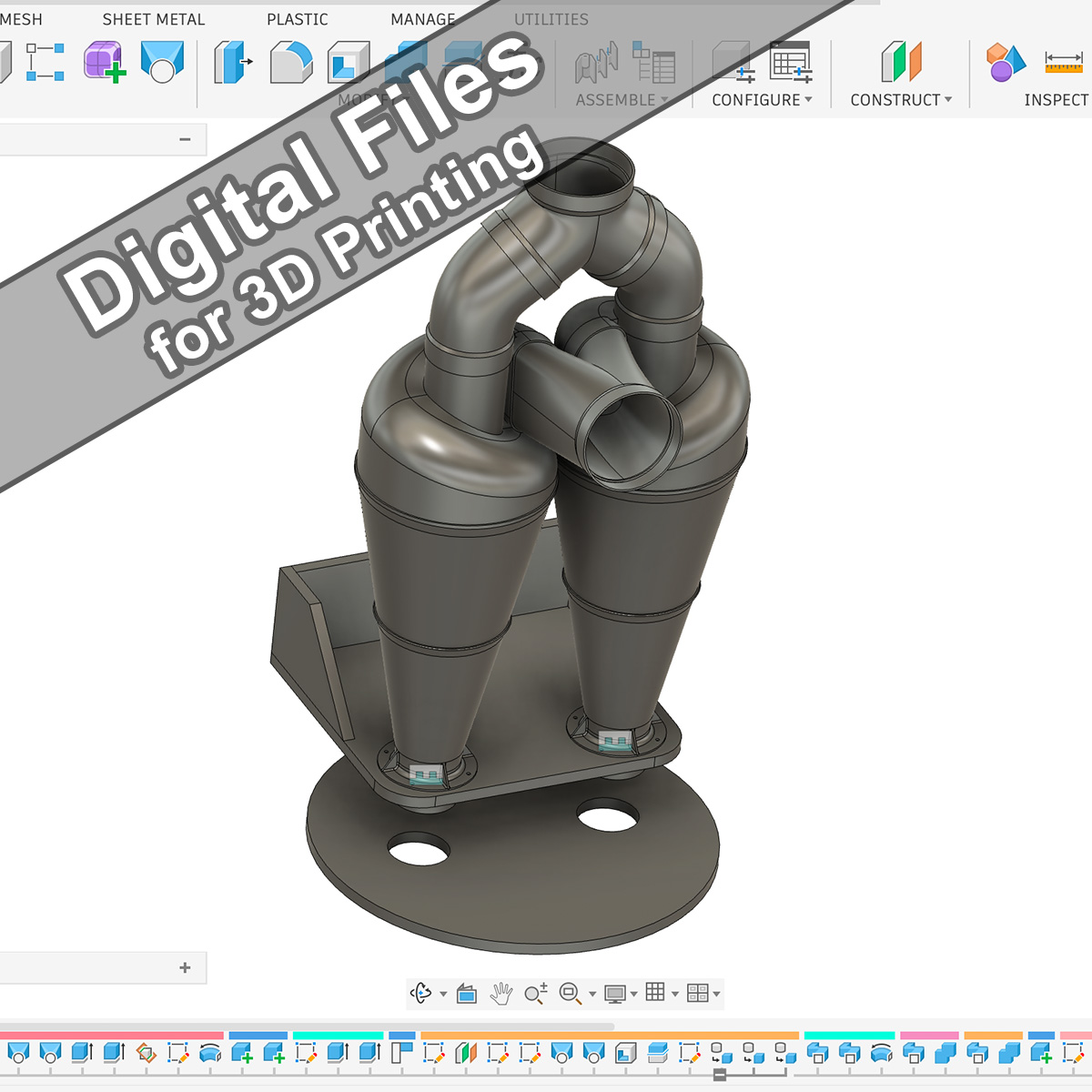
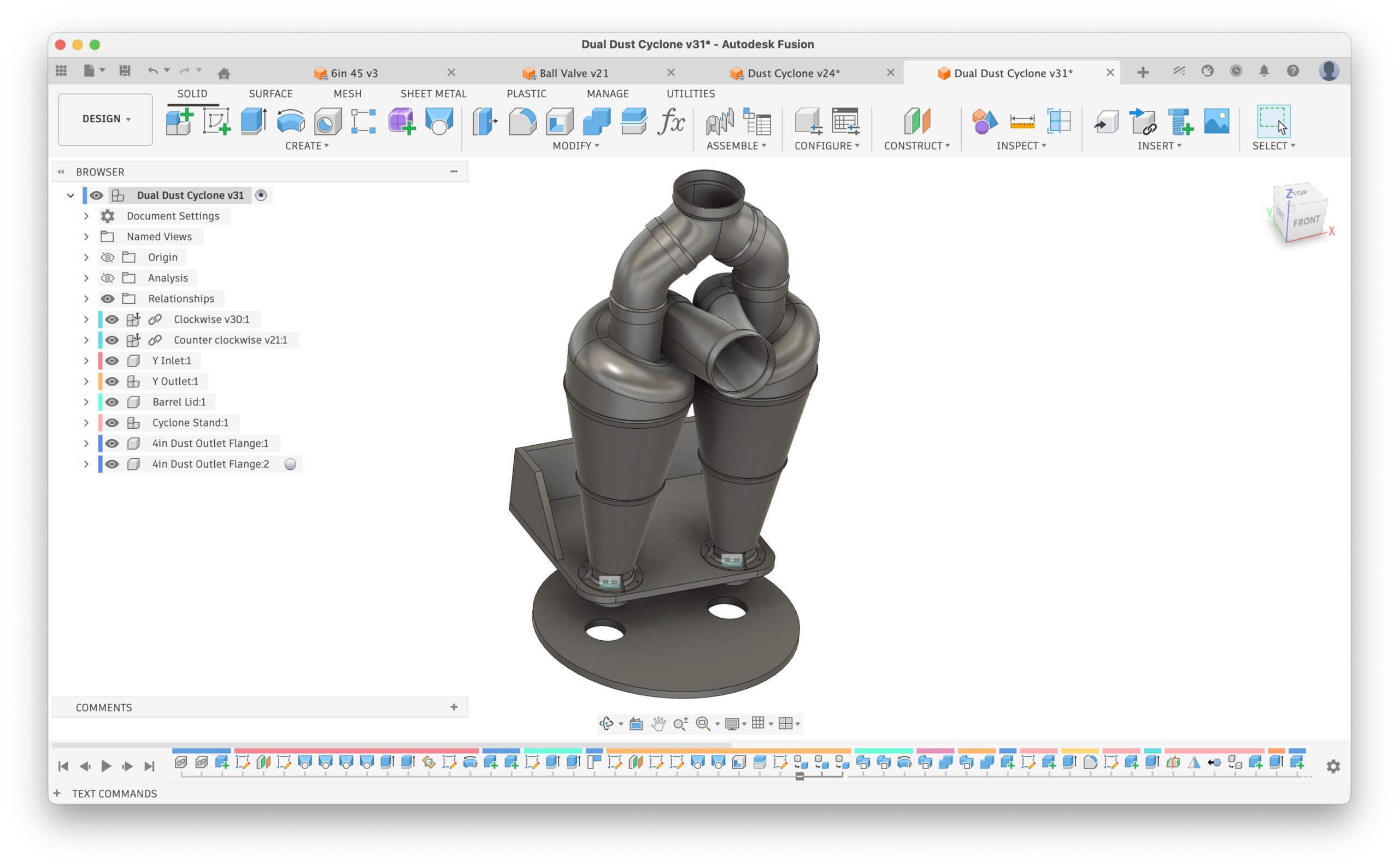
These are the CAD files and STL models to 3D print a single or dual cyclone dust separator.
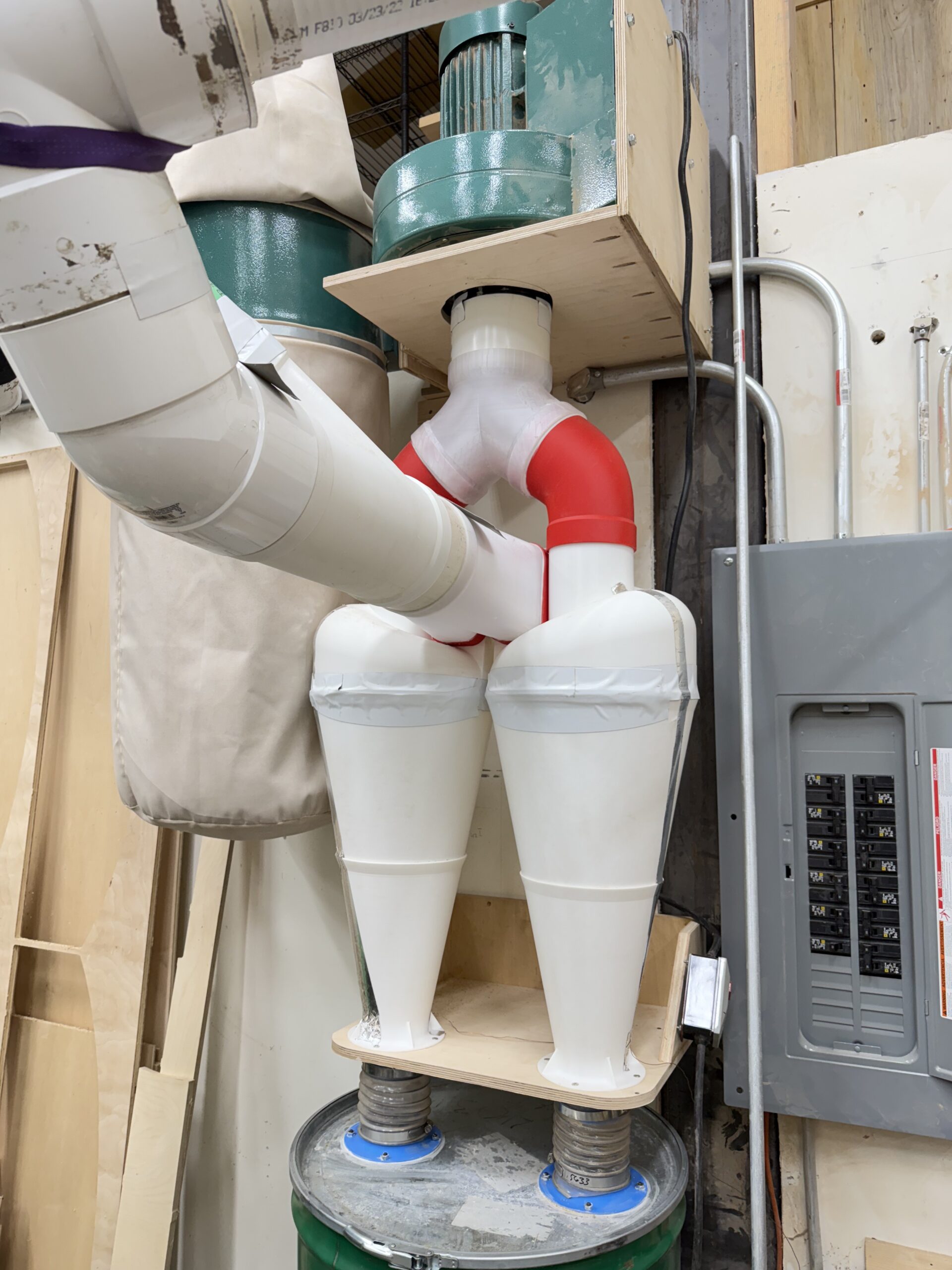
My goal was to create a dual separator in order to convert a 3HP dual bag style dust collector into a proper cyclone dust separator. Please watch the video for a lot of information on the build process.
Included Files
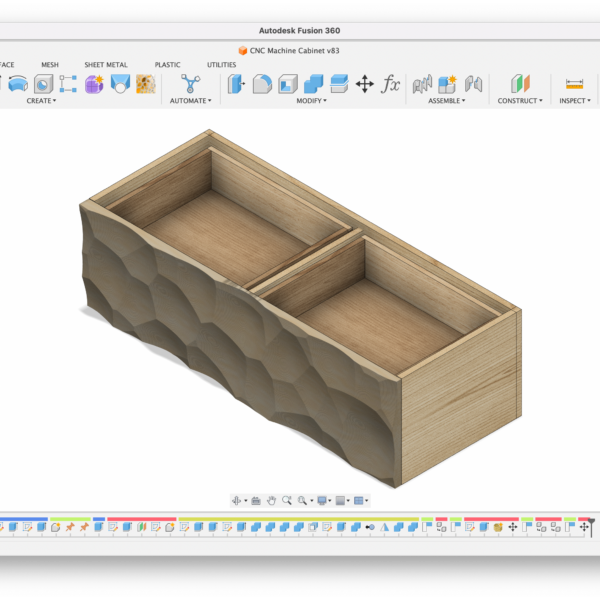
- Horizontal Dust Cyclone.f3d – The original Autodesk Fusion design file
- Many things are “parametric” and using “Change Parameters” can allow you to easily customize some of the design
- 3MF Files: The shapes as I printed them on my Bambu H2C, and Prusa (one piece)
- STL Files: exported mesh files
3D Printing Notes
The size is based on the maximum size I can print on my Bambu Lab H2 series printer, requiring around a 320mmx320mm bed size. It has to be printed on the “left” nozzle of a dual head Bambu printer (ie: H2C) due to the size. This is coming close to maxing out what size the printer can do, and it won’t work on a smaller printer because it won’t fit on a bucket.
Generally, I printed in PLA at 2 walls and 15% infill, using supports where required. I generally prefer gyroid infill, but sometimes I forgot to change it and went with rectilinear infill.
I prefer to print with a 0.6mm nozzle when possible, but to maximize the print area I had to print with my left nozzle, which is 0.4mm.
The cyclone tops should be printed upside down with supports.
Assembly Notes
Most pieces are glued together with CA glue, and then a cheap ($2-$3/tube) acrylic caulk is used to seal the seams. The exception is the cyclone top to the cone: I used duct tape in order to later test different cone shapes.
Sealing the cyclone to the base is really important; any disturbances to the vortex will cause separation to be poor. Use smoke
Some regular flexible 4” hoses can be used on the dust outlet (bottom of the cyclone) to the top of your dust collection container.
Single Cyclone
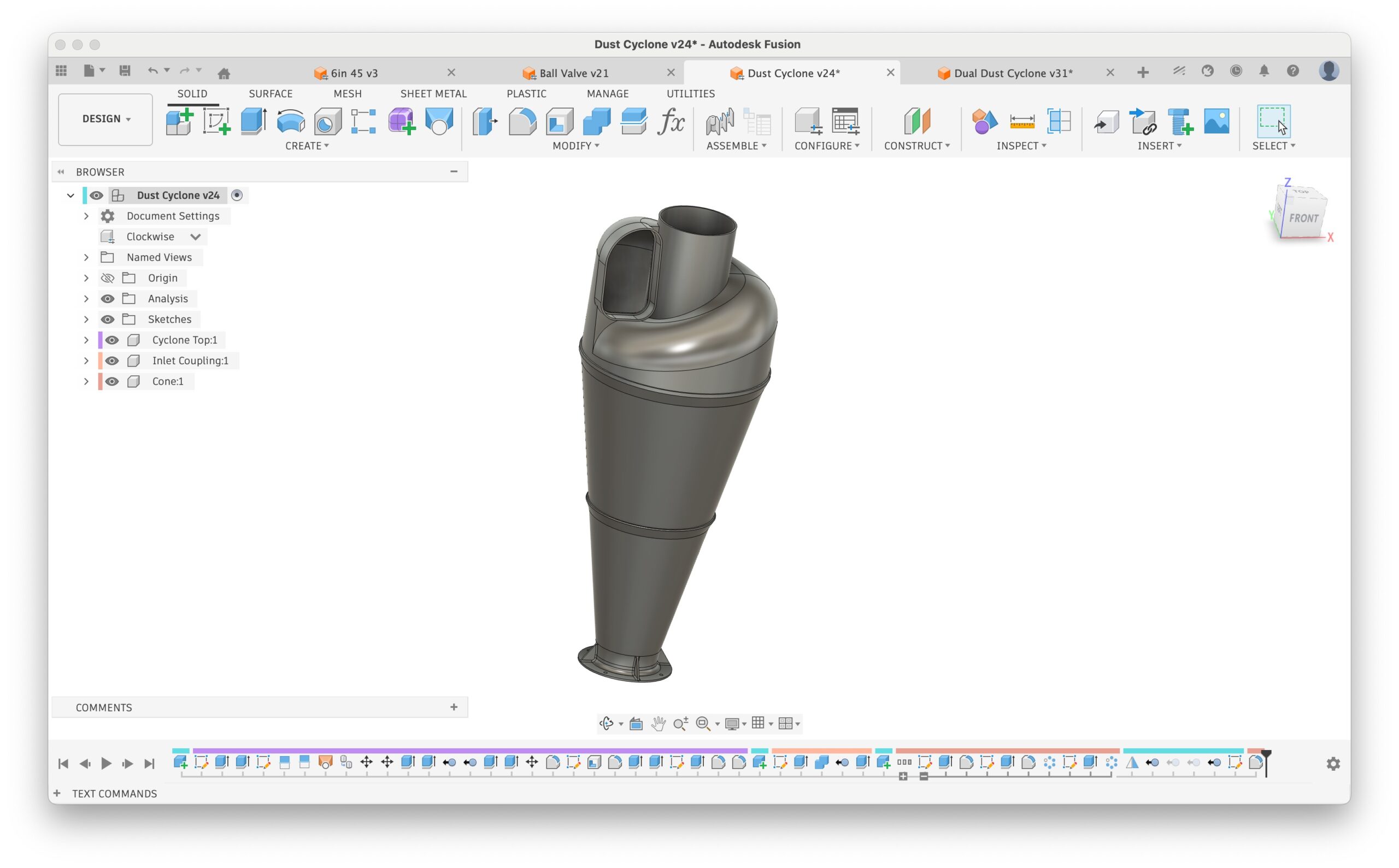
This could be used as a single cyclone – BUT an adapter will have to be created in CAD to go from the cyclone inlet to the desired circular inlet size (ie: 4” or 5” – I don’t recommend a single cyclone for a 6” inlet).
Autodesk Fusion CAD File Notes
This CAD design was created from scratch, and the overall cyclone shape was heavily influenced by research done by Bill Pentz (https://billpentz.com/) and the Stairmand high-efficiency cyclone designs.
To open:
- File -> Upload (or File -> Open)
- Make a new Folder for it
- Select “Dual Dust Cyclone.f3z”
- Upload
This will upload two projects: Dual Dust Cyclone and Dust Cyclone. The dual version references the single file and includes it when you upload the file.
I also included an export of the single Dust Cyclone.f3z, but if you open the dual version it will include the single.
The files are created with Configurations, which is a feature of the paid version of Fusion. The free version should be able to still open and modify the file, but it can’t create more configurations.
Most of the values are easily configurable via “Change Parameters” however, I’m sure things will break when doing this, as I haven’t tested it – particularly the inlet.
Possible changes/ideas:
- Longer cyclone cone
- Larger dust outlet (~5”) to produce a steeper cone
- Experiment with how far the outlet tube goes into the cone/cyclone
- Possibly experiment with a straight portion on the cone
Revision History:
April 1, 2026: v1 – initial release (developed in March 2026)